Search across multiple record types
Move between contacts, documents, spreadsheets, templates, and charts from a single browser instead of opening separate tools first.
Data Vault brings your business records into one searchable workspace so you can move from a client to their files, documents, spreadsheets, and related work without losing context.
Why It Matters
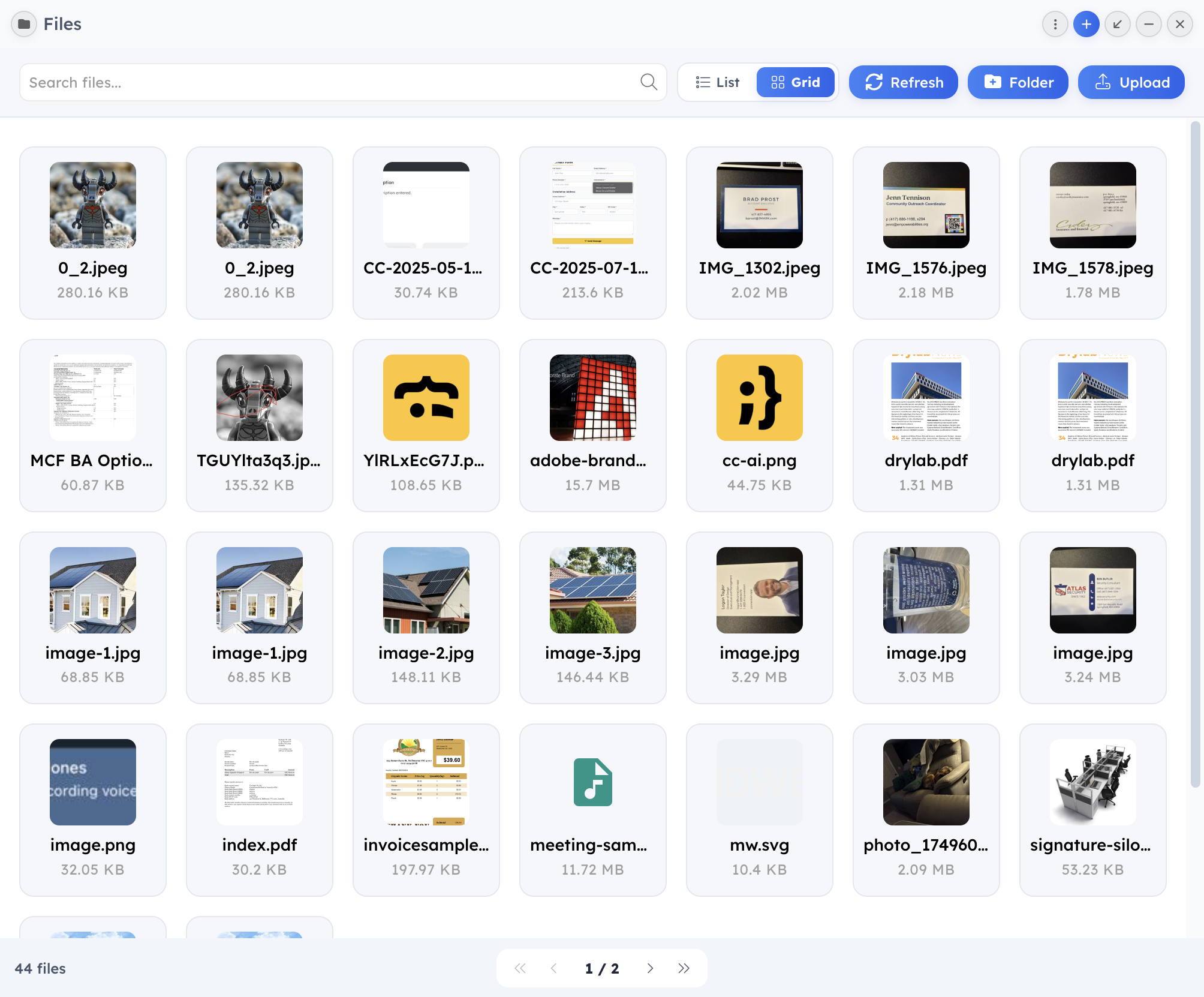
The product source shows Data Vault combining server-side search, collection-specific filters, record previews, metadata panels, and widget-aware navigation in a single surface.
Switch between contacts, documents, files, spreadsheets, templates, and charts from one filter bar.
Narrow large result sets with search, status filters, contact filters, and saved query state.
Open the right destination quickly, including linked contacts and widget-specific editors.
Review metadata such as file type, upload date, tags, custom fields, and generated descriptions when available.
What You Can Do
Move between contacts, documents, spreadsheets, templates, and charts from a single browser instead of opening separate tools first.
Preview filenames, related contacts, tags, status, upload dates, and other metadata so you can pick the right record faster.
Select multiple items, manage tags, open linked records, and route documents, spreadsheets, and files into the next step of your workflow.
Drag supported items into other workspace surfaces so research, drafting, and review can start with the exact records you selected.
Key Workflows
Start with a contact, then move through the supporting records that belong to that relationship.
Step 1: Search or filter down to the right contact or related record.
Step 2: Open linked documents, spreadsheets, and files from the same workspace view.
Step 3: Use previews and metadata to confirm you are sharing or editing the right asset.
Pull together the documents and files needed for a proposal, project update, or internal review.
Step 1: Switch collection tabs to gather records from multiple modules.
Step 2: Use bulk selection and tags to organize the current set.
Step 3: Send the selected items into the next workspace action without rebuilding the list manually.
Who It Helps
Connected Modules
Open people and related companies directly from the vault list.
Jump from the vault into editing flows for active content and reusable assets.
Carry uploads, previews, and structured working data into the next step quickly.
Next Steps
Feature pages work best together because the product does too. Follow the related paths below or book a walkthrough tailored to your workflow.