Branch important conversations
Explore alternate directions from a message while preserving the original thread so ideas do not collapse into one draft.
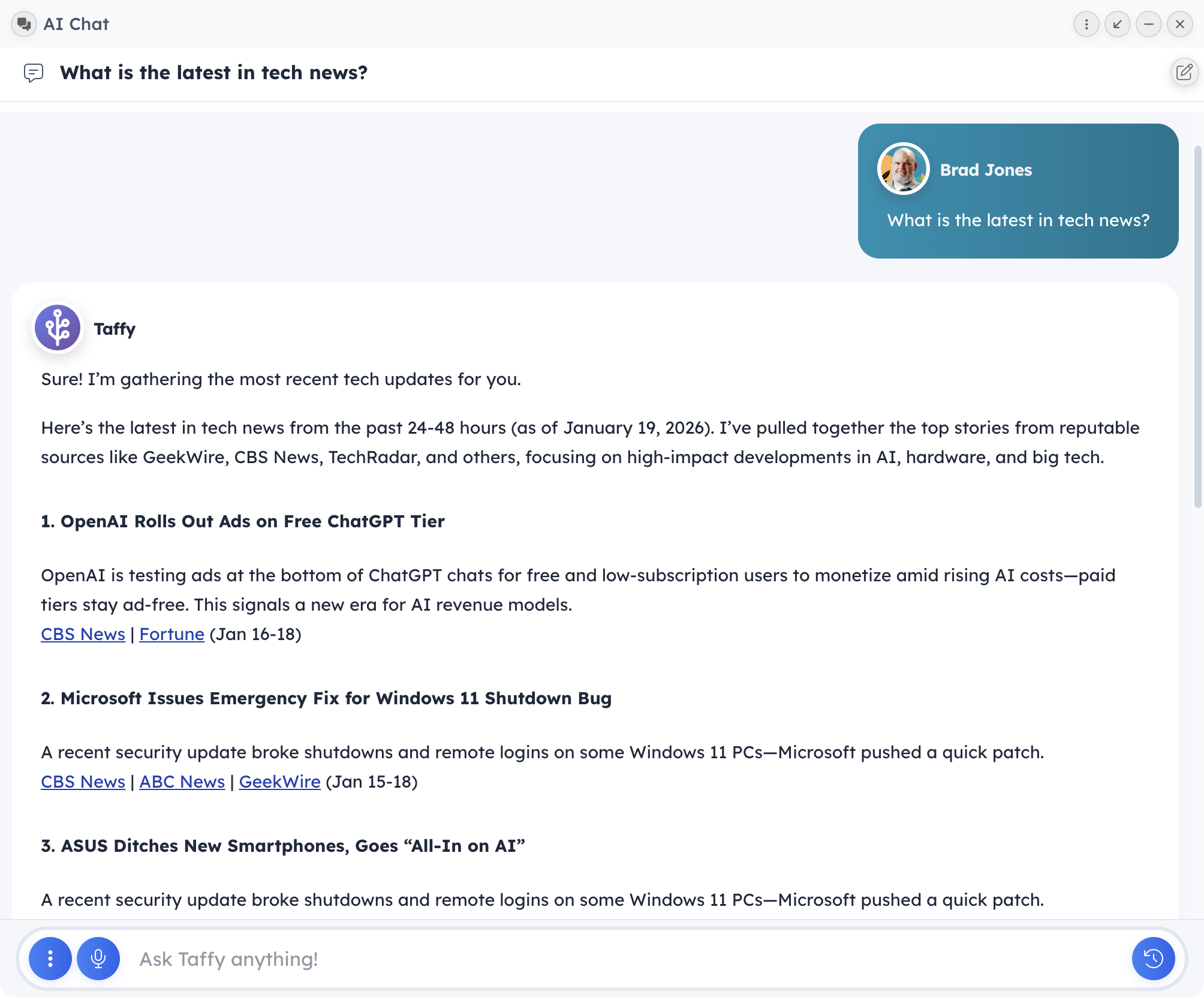
Taffy AI combines chat, reusable prompts, memory, conversation history, and attached business records so you can keep refining work instead of re-explaining the same context every time.
Why It Matters
The product source shows Taffy AI extending beyond a simple chat box with branching conversations, attachment strips, knowledge attachments, memory management, and organized history.
Start a conversation, branch from a message, and revisit earlier paths without overwriting your previous thinking.
Attach files, documents, contacts, spreadsheets, and other business context before you ask for help.
Keep past conversations organized with recent views, user folders, and visible branch markers.
Review and manage AI memory with searchable cards, tags, importance scores, and retention signals.
What You Can Do
Explore alternate directions from a message while preserving the original thread so ideas do not collapse into one draft.
Bring supporting documents, files, contacts, spreadsheets, and knowledge sources into the conversation instead of summarizing them manually.
Search conversations, use recent and custom folders, and spot branch relationships when you return to older work.
Review memories by type, edit or create them directly, and understand which ones are strong, fading, or frequently used.
Key Workflows
Build a better answer by bringing source material into the conversation before the first response.
Step 1: Attach the relevant contact, file, document, spreadsheet, or knowledge source.
Step 2: Use the conversation to draft, analyze, or summarize the work at hand.
Step 3: Branch the thread if you need a second direction without losing the first one.
Treat AI sessions as a reusable working area instead of a disposable prompt box.
Step 1: Store or revisit conversations through recent views and custom folders.
Step 2: Use memory tools to refine what the assistant should keep in mind over time.
Step 3: Return to prior branches or organized chat history when the work resumes later.
Who It Helps
Connected Modules
Organize active and past conversations with recent views, folders, and branch markers.
Review what the assistant remembers and adjust memory quality over time.
Pull records and supporting material into the conversation before asking for help.
Next Steps
Feature pages work best together because the product does too. Follow the related paths below or book a walkthrough tailored to your workflow.